
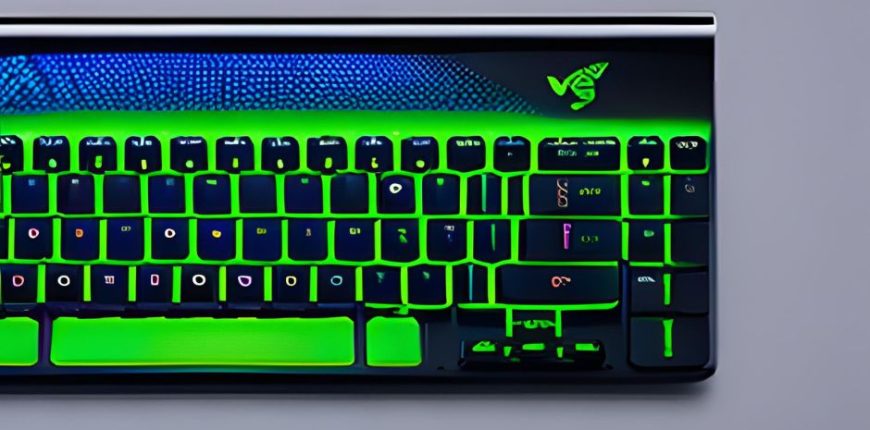
It’s finally time to bling out your PC! Microsoft has begun testing its Dynamic Lighting feature for the PC’s RGB hardware, as well as a prettier File Explorer and updated emoji.
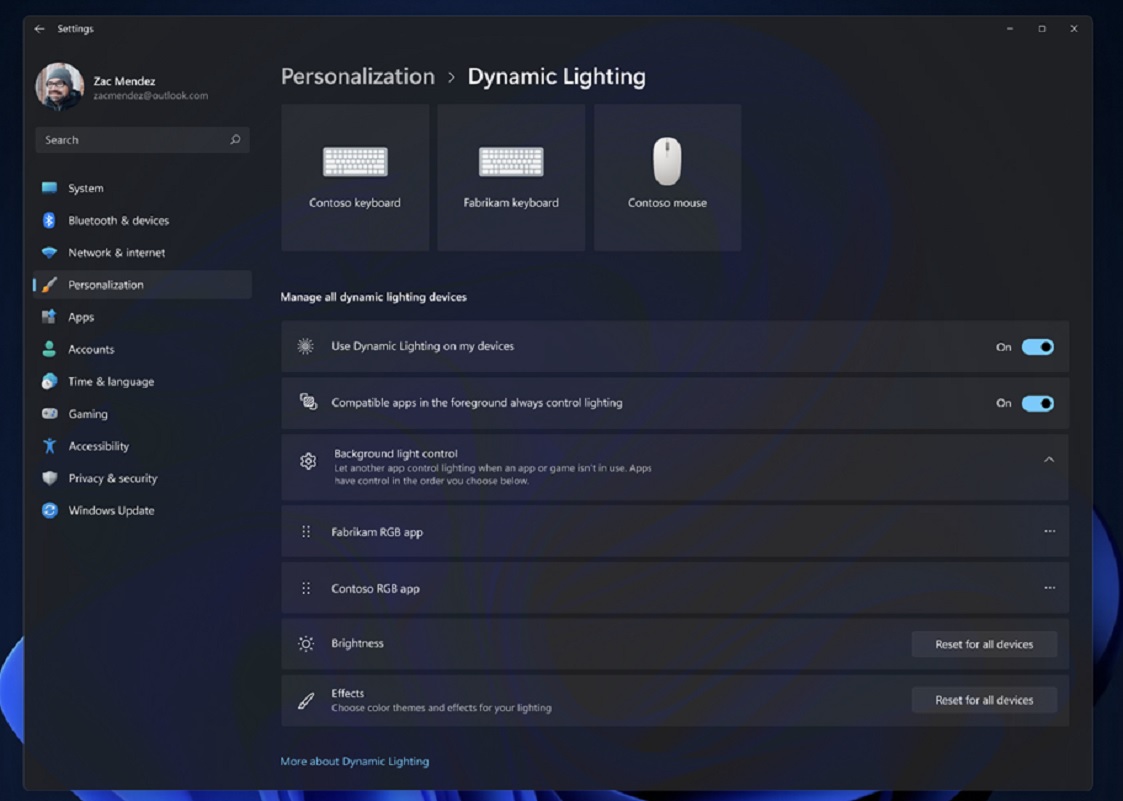
Windows 11 Insider Preview build 23475 for the Dev Channel adds support for the Dynamic Lighting feature that Microsoft recently announced, which attempts to unify the various utilities for controlling the RGB hardware made by different manufacturers inside a common interface. Several device manufacturers including Acer, Asus, HP, HyperX, Logitech, Razer, and Twinkly have partnered with Microsoft on Dynamic Lighting, Microsoft said.
Right now, though, the list of potentially compatible devices is small: basically a variety of Razer peripherals and not much else. Microsoft also indicated that even those peripherals have yet to be formally verified for compatibility, so there’s no guarantee they will work. (Scroll down to the bottom of this post for a full list.) The fact that there is now a single point of control within Windows for RGB peripherals and components, though, is exciting; to date, RGB lighting controls have largely been handled by a variety of manufacturer-specific utility apps plus some more generic utilities.
If you have one of the approved peripherals and the new build, you can find the Dynamic Lighting controls within the Windows Settings list, specifically the Settings > Personalization > Dynamic Lighting menu. There’s an additional caveat: Because of the new code’s instability, Microsoft recommends that you use wired, rather than wireless, peripherals.
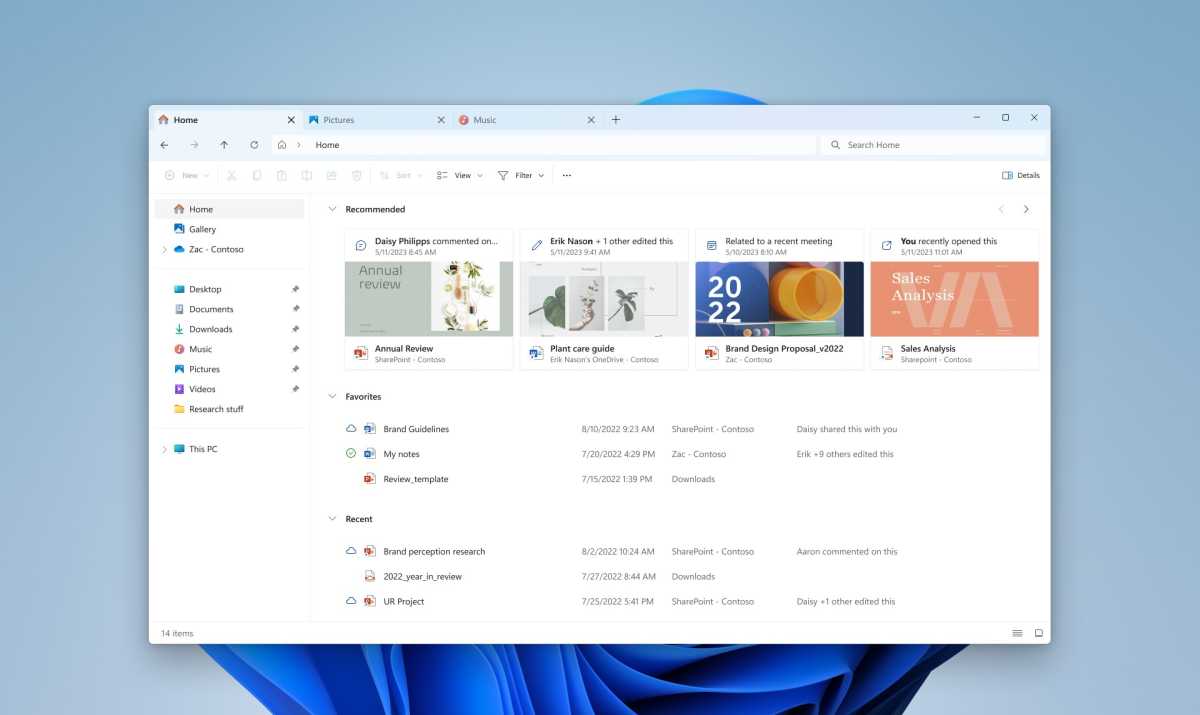
Though Dynamic Lighting is certainly the flagship feature of this build, there’s a nice change arriving in File Explorer, too. The default file manager within Windows will add a carousel view as well as better insights into how much storage remains within your OneDrive subscription.
Microsoft has tweaked File Explorer before, ensuring that you see how much storage you have in the cloud, and how much more you potentially need to buy.
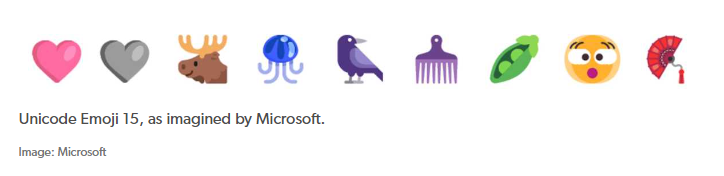
Microsoft is also adding support for Unicode Emoji 15, which will tweak Microsoft’s emoji.
Microsoft’s latest build does fall under the Dev Channel, which means that there’s no guarantee that it will come to market until it hits the Beta Channel or the Release Preview Channel. Still, given the significance of the new features, we’d expect them to push through into the Beta Channel before long.
Microsoft provided a list of Dynamic Lighting-compatible hardware that was current as of press time. A more up-to-date list can be found on the Dynamic Lighting Hardware MS Learn page, Microsoft said.
Keyboards:
- Coming soon: Asus ROG Scope II Wireless 96 Gaming Keyboard
- Razer BlackWidow V3
- Razer BlackWidow V3 Pro
- Razer BlackWidow V3 Mini
- Razer BlackWidow V3 Tenkeyless
- Razer BlackWidow V4 Pro
- Razer DeathStalker V2
- Razer DeathStalker V2 Pro
- Razer DeathStalker V2 Pro TKL
- Razer Huntsman Mini
- Razer Huntsman Mini Analog
- Razer Huntsman Tournament Edition
- Razer Huntsman V2
- Razer Huntsman V2 Analog
- Razer Huntsman V2 Tenkeyless
- Razer Ornata V2
- Razer Ornata V3
- Razer Ornata V3 TKL
- Razer Turret Keyboard Xbox One Edition
Mice:
- Coming soon: Asus ROG Harpe Ace AimLab Edition Gaming Mouse
- Microsoft Pro IntelliMouse
- Razer Turret Mouse Xbox One
- Razer DeathAdder V2
- Razer DeathAdder V2 Pro
- Razer Naga Left-Handed
- Razer Naga Pro
Credits: https://www.pcworld.com/article/1946089/microsoft-begins-testing-rgb-lighting-controls-and-an-updated-file-explorer.html


